Skip to content

The A11Y Collective Blog

Stay up to date about the ins & outs of Web Accessibility!

A list of blog articles

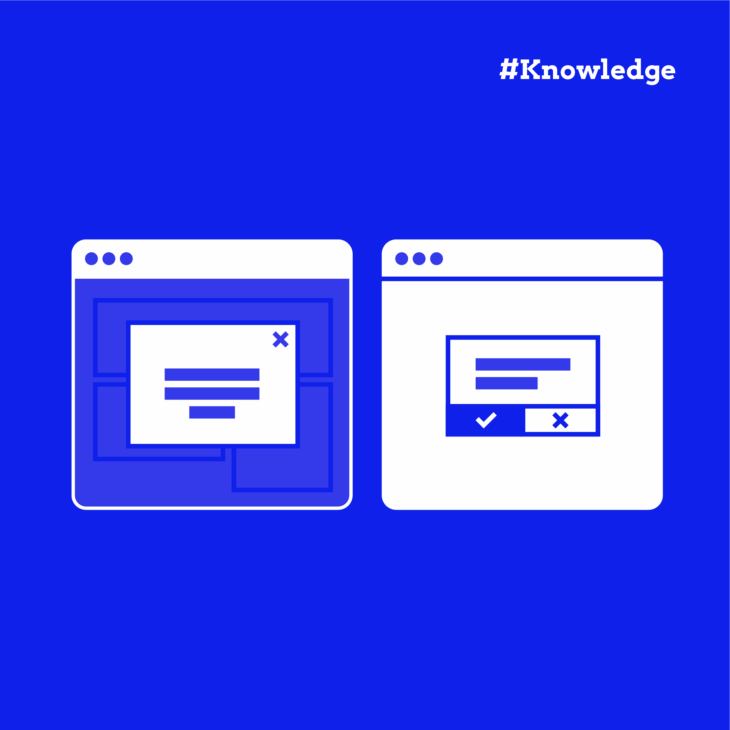
  • When to Use Modal vs Non-Modal Dialog Components

    Have you ever clicked a button only to be interrupted by a pop-up that demands your attention? Or perhaps noticed a small information box appear without stopping your workflow? These …

  • Expert Guide: Writing HTML for Screen Reader Users

    Improve your website’s accessibility with our comprehensive guide on utilising HTML for screen readers. Learn the best practices and avoid common pitfalls.

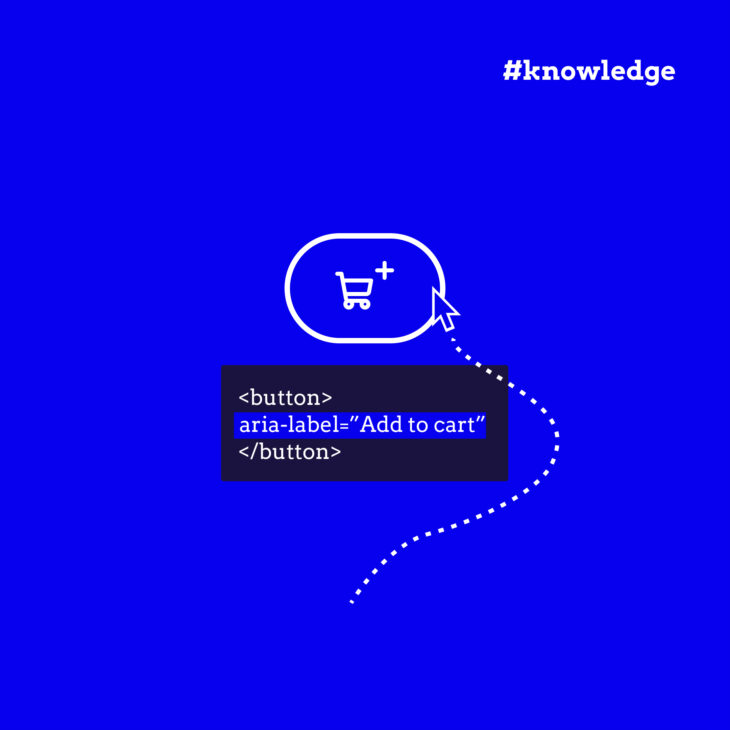
  • The Hidden Gold of Web Accessibility: Everything About ARIA Labels

    Dive into ARIA labels for web accessibility and enhance your skill set. Unveil their potential, discover best practices, and how to avoid pitfalls.

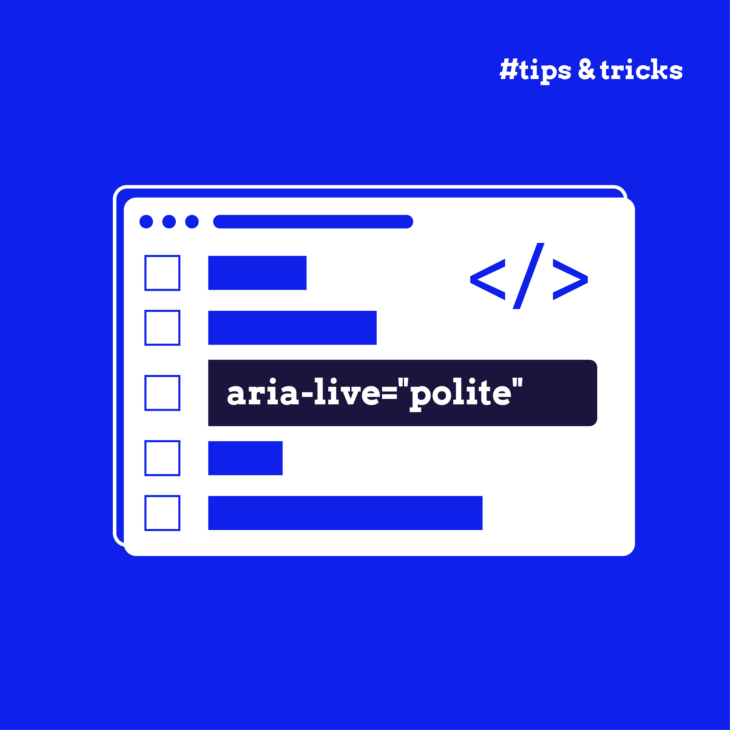
  • The Complete Guide to ARIA Live Regions for Developers

    Have you ever updated content on your website and wondered how to make sure everyone knows about the change? It’s a common challenge, especially for people who use screen readers …

  • Mastering Accessible Modals with ARIA and Keyboard Navigation

    Frustrated by inaccessible modals? Learn how to leverage ARIA & keyboard navigation to build modal dialogs that comply with accessibility guidelines.

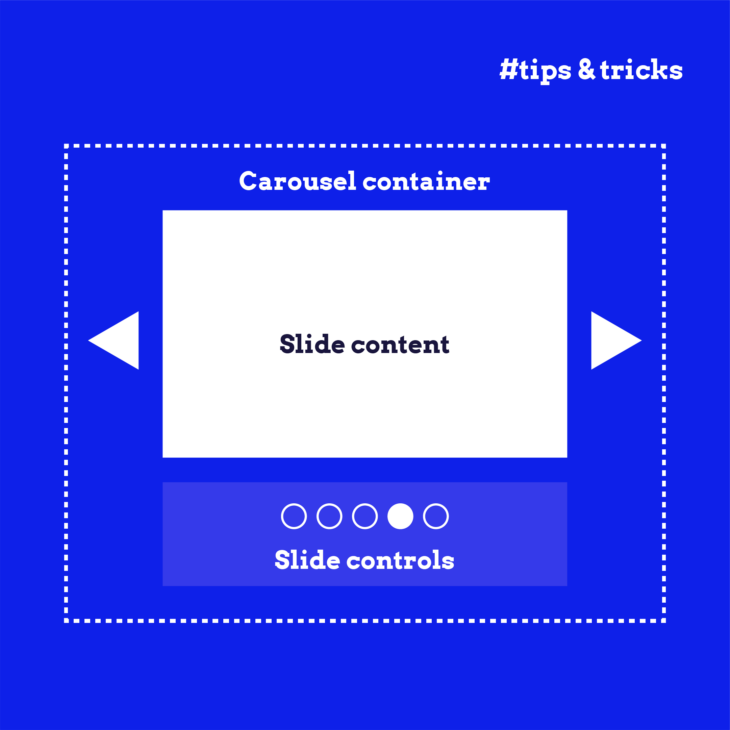
  • How to Test and Improve Carousel Accessibility: A Complete Guide

    Discover the secrets behind building accessible carousel components with this complete guide. We cover the fundamentals of how to make carousel components accessible for all users (including keyboard-only and screen reader users) and provide practical tips and HTML, CSS, and JavaScript snippets to help readers build their own accessible carousel components.

  • The Dos and Don’ts of Using Tabindex in Web Design

    Struggling with tabindex in web design? Step up your UI/UX game and avoid common pitfalls with our guide on effective tab order.

  • Implement WCAG Rules in Your Infographics

    Traditional infographics often create significant barriers for users with visual impairments and those who rely on assistive technologies. Yes, they are visually appealing and allow you to show information in …

  • What Makes a Font Accessible? A Designer’s Guide

    Discover the key characteristics of accessible fonts and learn best practices for selecting and combining typefaces that ensure readability for all users.

  • Improving Icon Usability and Accessibility: 6 Valuable Tips

    Icons are more than mere visual elements; they are the universal language that bridges users and interfaces across the globe. However, as we celebrate the diversity of our audience, it becomes increasingly important to ensure that these symbols are visually appealing, universally accessible, and usable.